Get instant, accurate answers from PDFs, catalogs, flipbooks, and your entire content library with AI document search built for business content.
No more scrolling through long PDFs. No more manual searching. Just clear answers from your documents.
 Watch the video
Turn static PDFs into intelligent, AI searchable PDFs that users can query in plain language.
Ask a question and get precise answers instantly, whether you are using AI PDF search for one document or searching across your full content library.
No digging. No page flipping. No guesswork.
Smart Doc AI transforms PDFs, catalogs, manuals, and business documents into AI-powered resources that deliver accurate, real-time answers at any scale.
Just ask. Skip the endless scrolling and manual searching, get clear, instant answers
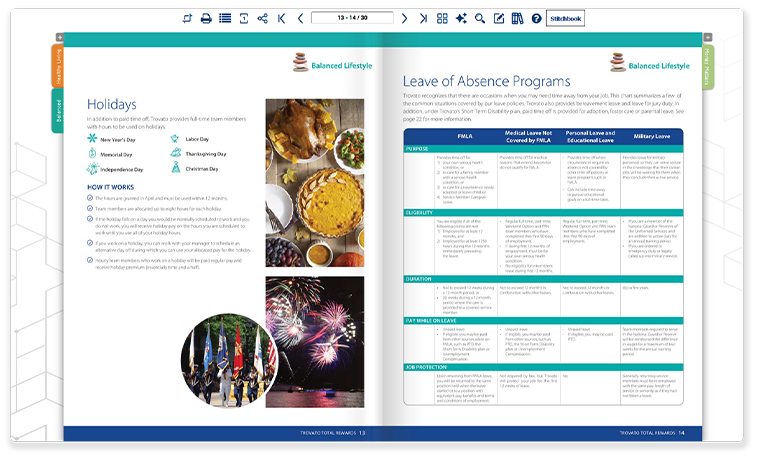
Enable Smart Doc AI on a single PDF or flipbook so users can ask questions directly within that document. Answers are generated only from the content inside that specific PDF or flipbook.
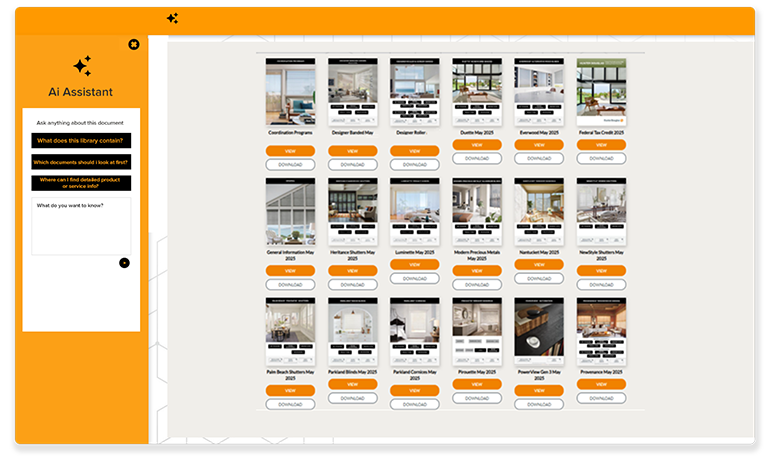
Enable Smart Doc AI across an entire searchable PDF and flipbook library. Users can ask questions and receive answers from multiple resources, with each response linked to the exact source and location.
Add PDFs, catalogs, flipbooks, manuals, or your full content library.
Turn on AI chat and AI document search for a single document or an entire library of resources.
No setup. No training. AI search works out of the box.
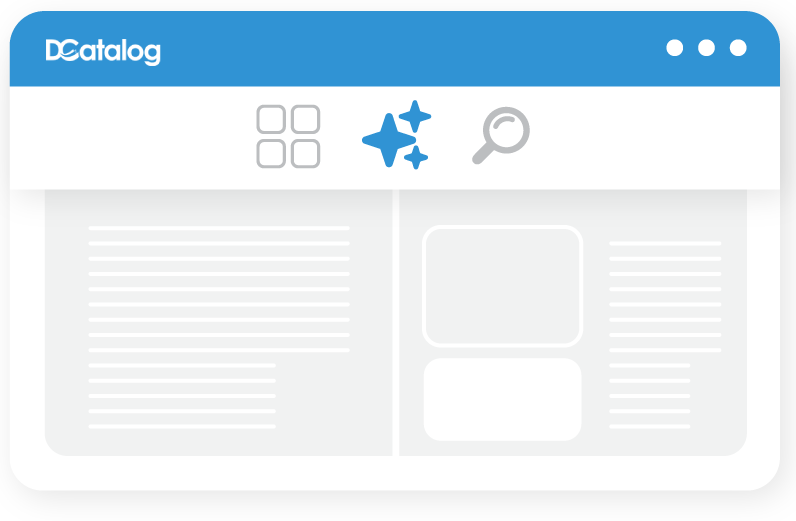
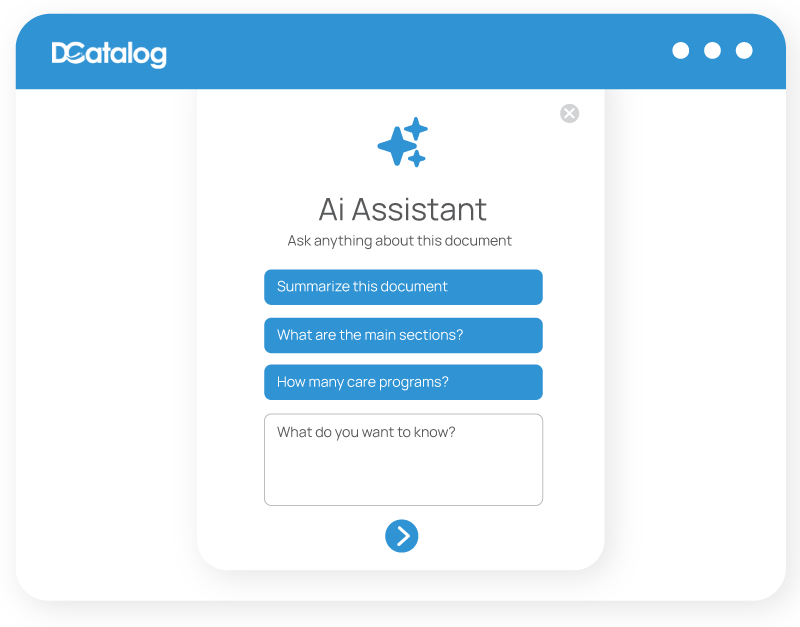
Get accurate answers pulled directly from your PDF, catalog, manual, or content library.
No complex setup. No technical expertise required.
Smart Doc AI lets users ask questions in natural language and receive clear answers with direct source references. It works as an AI document search tool for a single PDF, an AI searchable catalog, or a full library of documents, helping users summarize long content and compare information across multiple files with ease.
Your documents just got an upgrade. Here’s what makes Smart Doc AI a game-changer:
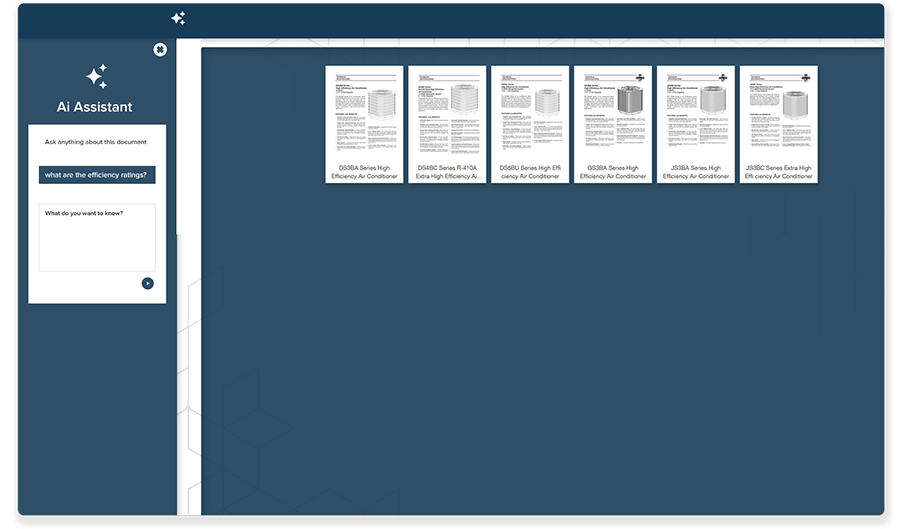
Skip the scroll. Ask a question and get instant answers from any searchable PDF, catalog, manual, or business document.
Get a high-level summary of long PDFs, catalogs, manuals, or training materials in one click.
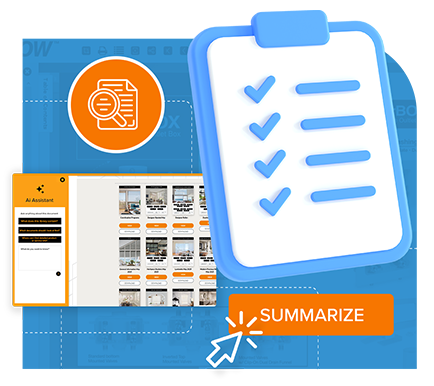

Compare and gather information from multiple PDFs, catalogs, or flipbooks at once.
No exact keywords needed. Ask naturally and let AI PDF search find the most relevant answer inside your content.
Need the lightest, fastest, or most specific product detail? Smart Doc AI reads specs, tables, and dense PDF content to give users precise answers in seconds.
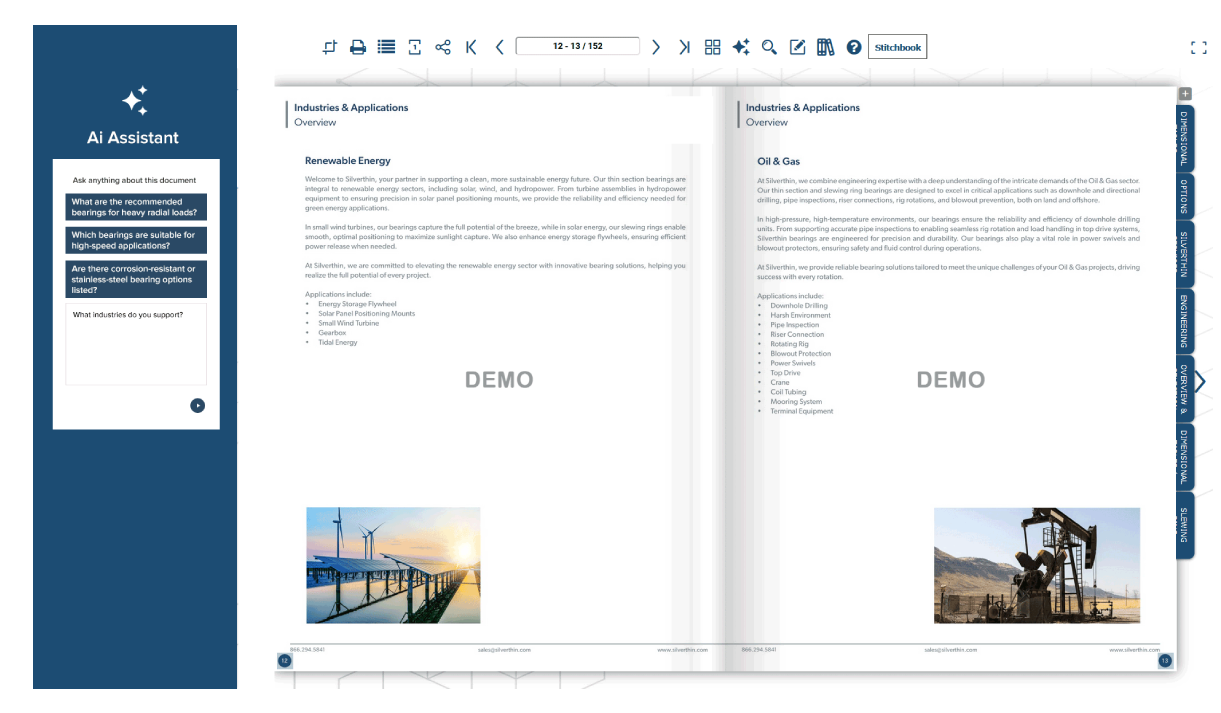

Find answers instantly without scrolling through long PDFs.
Boost productivity by reducing manual PDF and document searches.
Reduce support load by helping users find sourced answers on their own.
Built to scale across one searchable PDF or thousands of documents.
Cut training time and help teams make faster decisions with instant access to document answers.
Now your team can access them instantly with AI document search across PDFs, catalogs, manuals, and business content.
Smart Doc AI delivers real-time answers from your PDFs, catalogs, manuals, and business content, streamlining access to the knowledge that powers your team. No more endless digging through PDFs. Just ask.
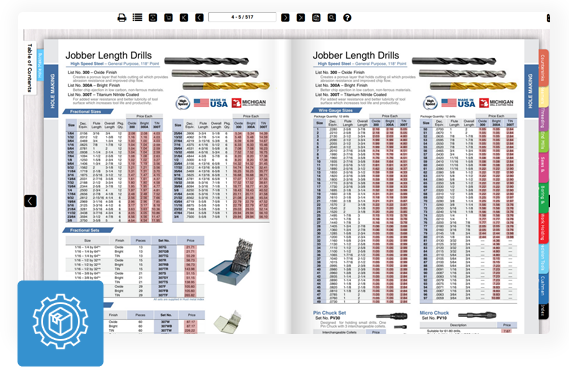
Manufacturers can use Smart Doc AI to search product catalogs, technical specs, compliance documents, and manuals. Teams can find product details, materials, certifications, or regulatory standards instantly without manual PDF search.

Suppliers can quickly retrieve product pricing, shipping terms, variation details, bulk discount information, or lead times from catalogs and PDF documents. Smart Doc AI brings clarity without the back-and-forth.
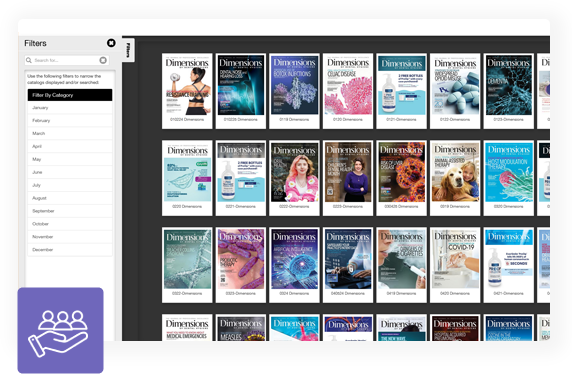
HR teams can use AI document search to help employees find answers inside policies, benefits documents, training content, healthcare guides, PTO information, and safety guidelines without manual lookup or extra HR bandwidth.
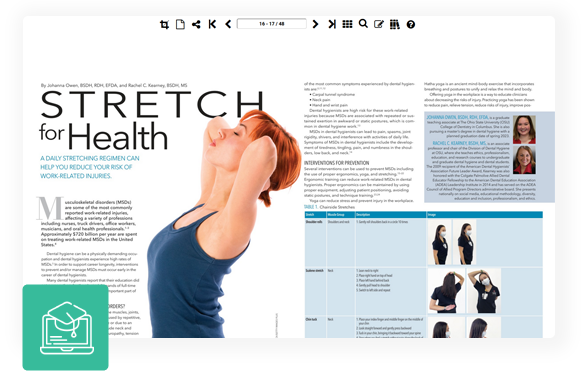
Educators and trainers can make curriculum guides, lesson plans, syllabi, and training PDFs easier to search. Students and instructors can jump to modules, get lesson summaries, and find supporting resources through conversational prompts.
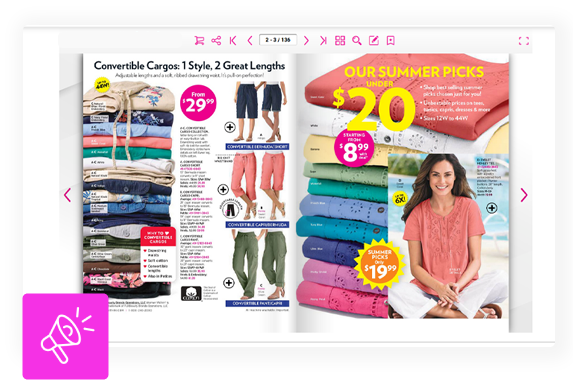
Sales and marketing teams can use AI document search to access product specs, promotional materials, case studies, selling points, campaign insights, and customer testimonials faster, so teams are always ready with the right information.

Support teams can use AI PDF search to pull answers from product manuals, setup guides, and FAQs, helping customers troubleshoot issues in real time without agents flipping through dense documentation.
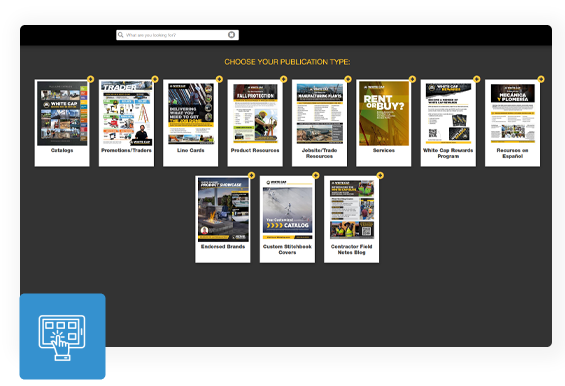
End users can ask questions inside manuals, setup guides, and product documents to find installation steps, part specifications, or troubleshooting information faster. No more flipping through pages or waiting on support.
Perfect for: