DCatalog’s catalog automation software generates fully designed catalogs from PIM, ERP, XML, CSV, and API data. Reduce manual design work, prevent formatting errors, and keep every catalog version synced across digital and print channels.
Schedule a Catalog Automation Demo
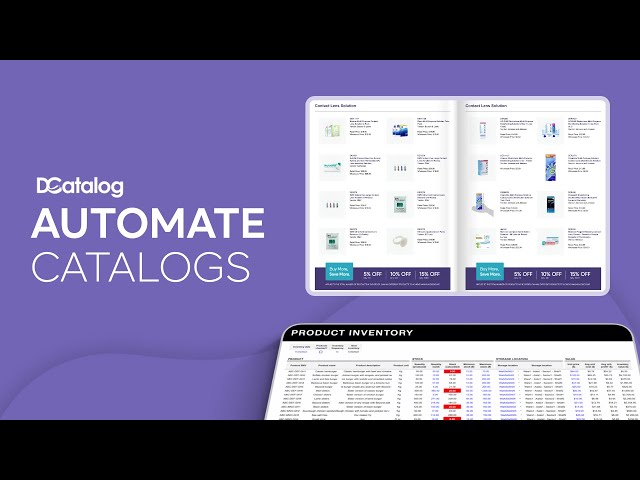 Watch the video
DCatalog connects directly to your data sources and transforms structured product information into automated product catalogs, without manual design, formatting, or repetitive updates.
Integrate with PIM, ERP, eCommerce platforms, or upload XML, CSV, or API feeds. Your catalog becomes a direct extension of your product database.
Apply structured data to dynamic, branded templates that automatically handle layout, pagination, and formatting so every catalog stays consistent without manual design.

When pricing, product details, or availability change, DCatalog automates catalog updates so every shared version stays current without manual redesigns.
Design once and reuse across every catalog. DCatalog templates control layout, structure, pagination, and branding so product data can flow into consistent catalog formats automatically.
 Watch the video
Automatically transform structured product data from XML, CSV, Excel, Google Sheets, or API feeds into fully designed catalogs without manual formatting or design work.
Connect your data source once and let DCatalog handle the rest. Your product data flows directly into branded templates, generating accurate, ready-to-publish catalogs at scale.
No manual updates. No formatting errors. No outdated catalog versions.
Works with PIM, ERP, eCommerce platforms, and custom integrations.
Built for companies managing large product catalogs, frequent updates, and complex data workflows.
Eliminate Manual Work
Automate layout, formatting, and pagination- no more manual catalog design.

Always Up to Date
Sync catalogs directly with your product data and eliminates outdated versions.

Scale Without Complexity
Generate thousands of pages and multiple catalog versions with ease.

Reduce Errors
Eliminate manual mistakes and ensure accurate product data across every catalog.

Built for Enterprise Workflows
Integrate with PIM, ERP, eCommerce platforms, and APIs.

Faster Time to Market
Launch catalogs in minutes instead of weeks.
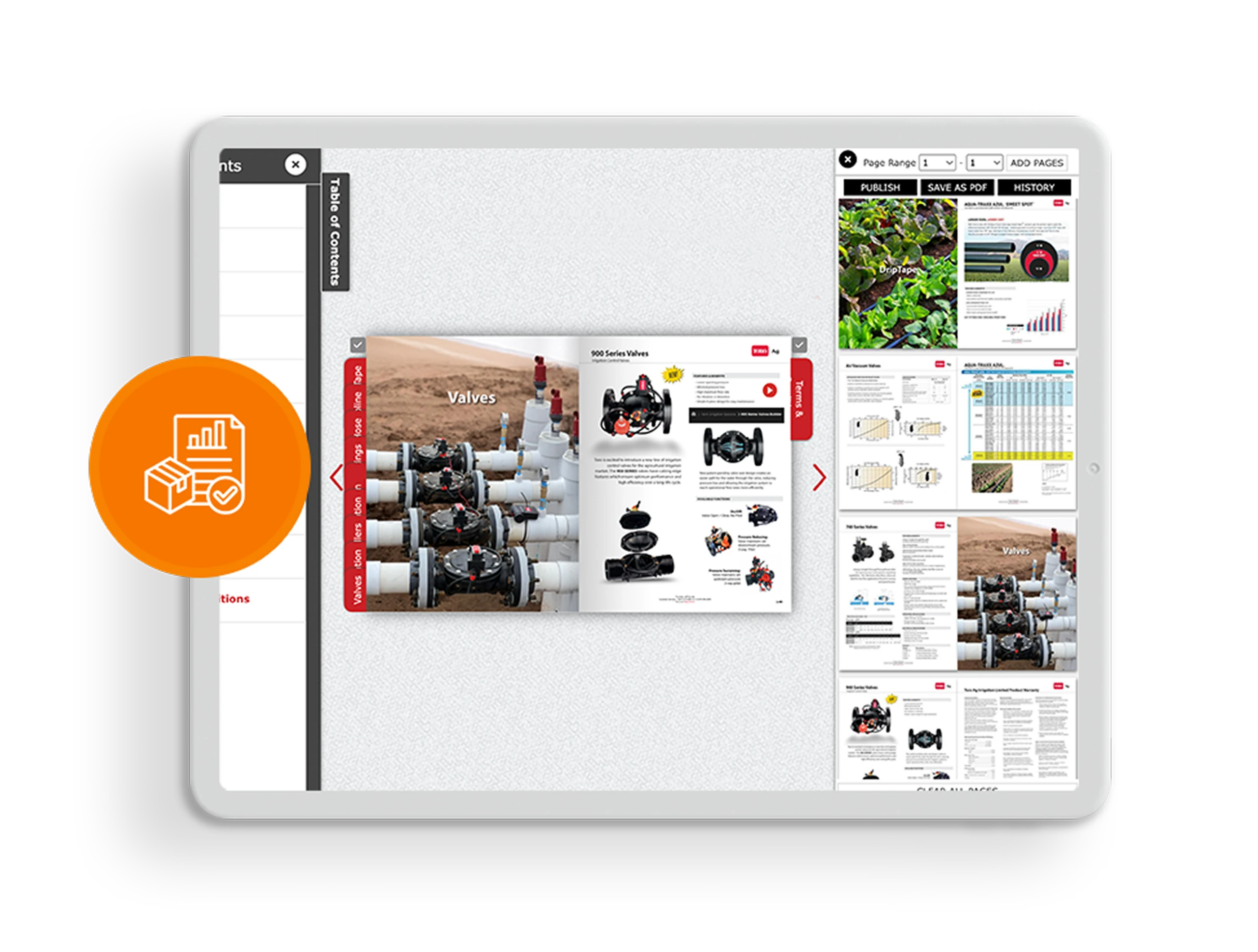
Automatically publish, distribute, and track your catalogs across every channel, while enabling buyers, partners, and sales teams to take action directly from your content.
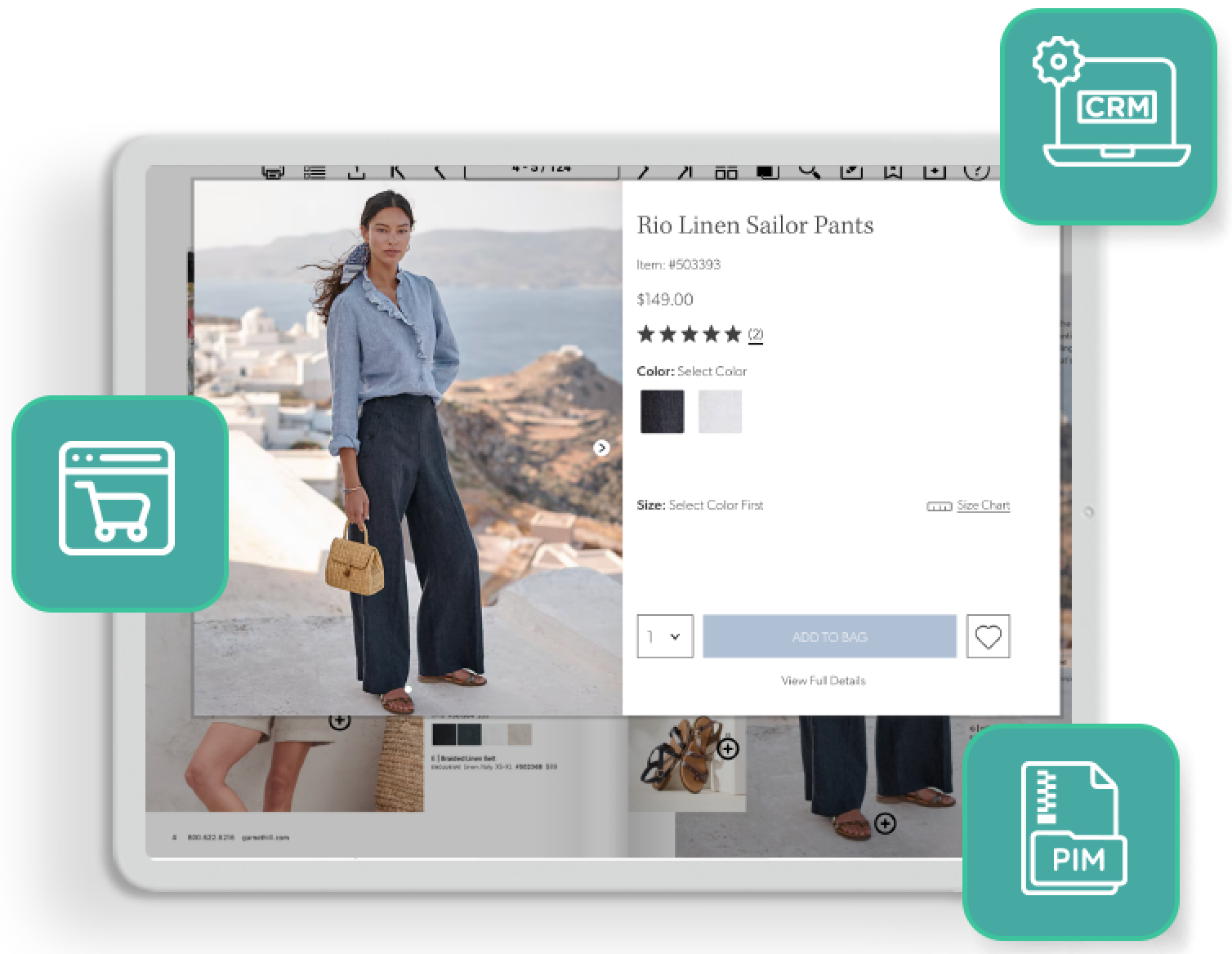
Distribute catalogs as interactive digital experiences, embedded on your website or shared with customers, partners, and sales teams.
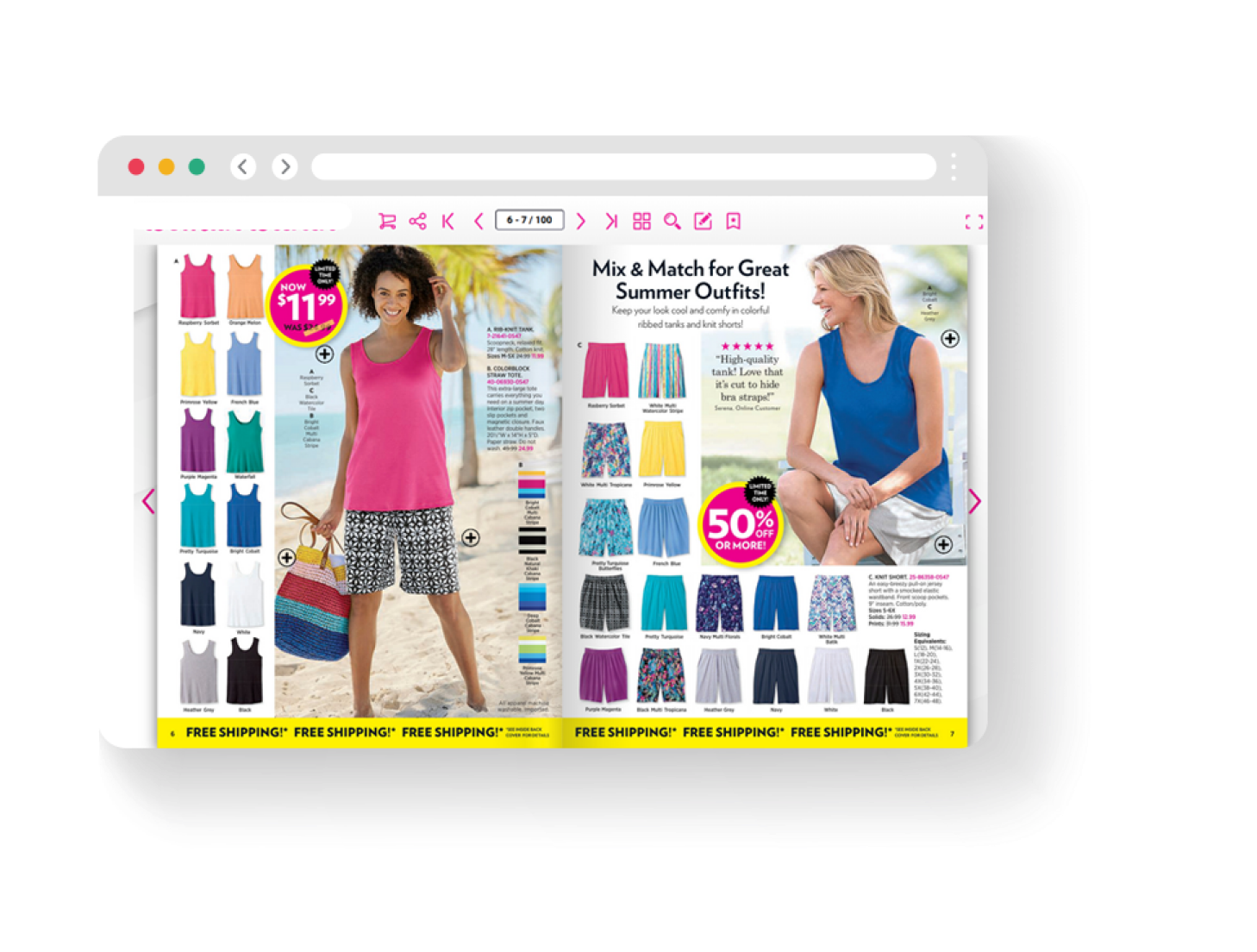
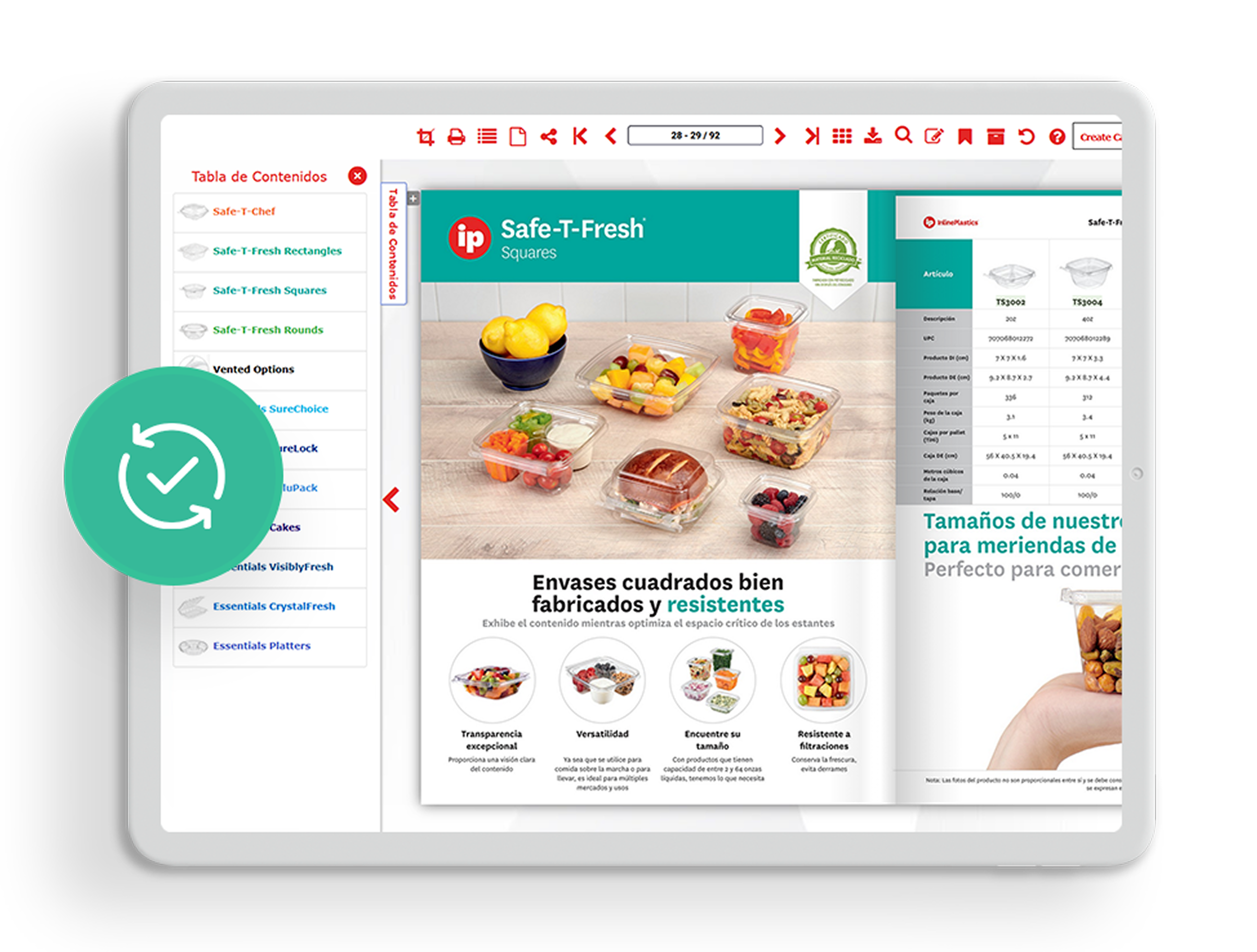
Ensure every shared catalog reflects the latest pricing, products, and updates without re-sending files or rebuilding layouts manually.
Let customers select products, submit orders, or request quotes directly from the catalog.
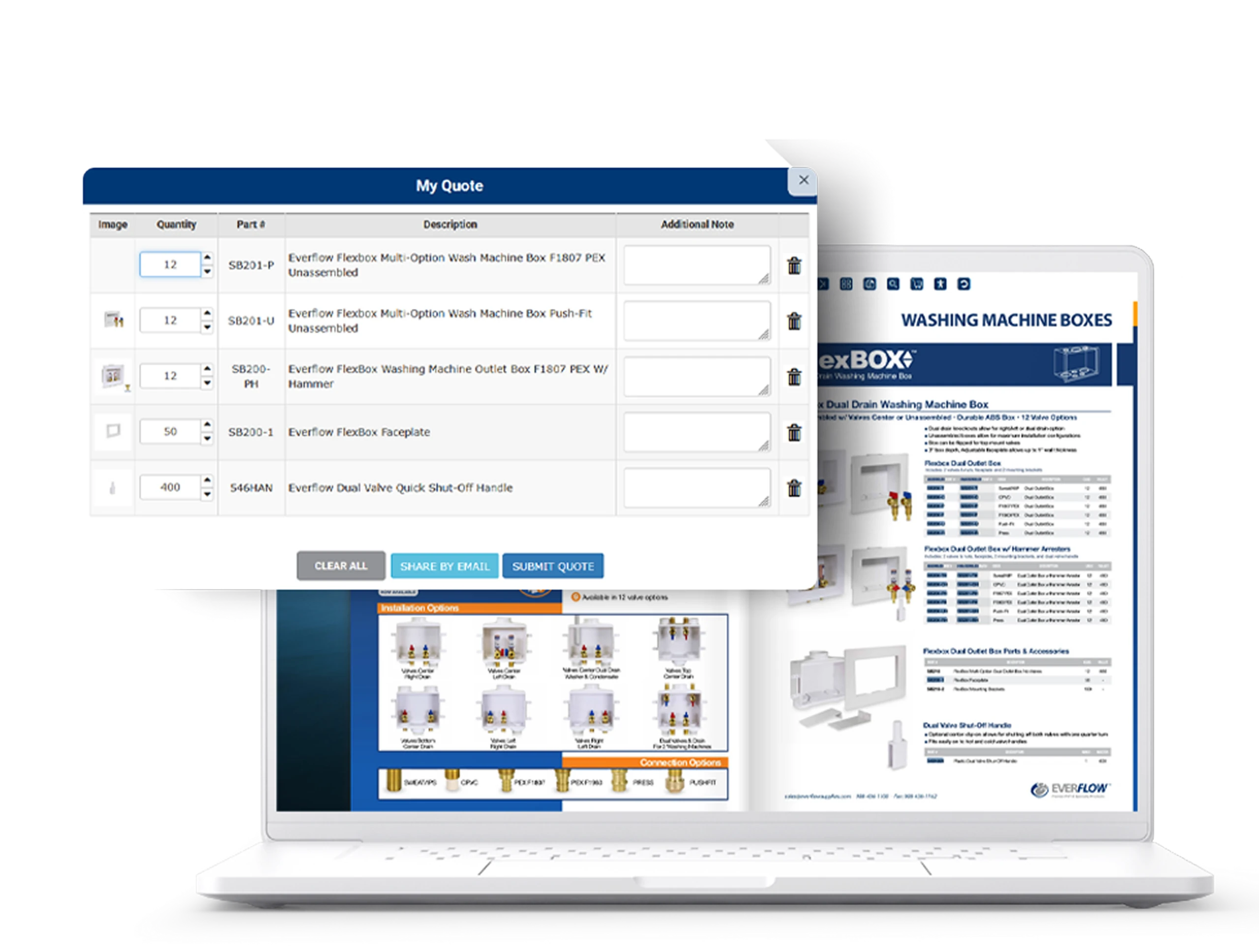

Integrate with analytics, CRM, and eCommerce systems to track engagement and drive action.
Deliver tailored catalogs to different regions, partners, dealers, or sales reps without duplicating design work or managing separate manual updates.
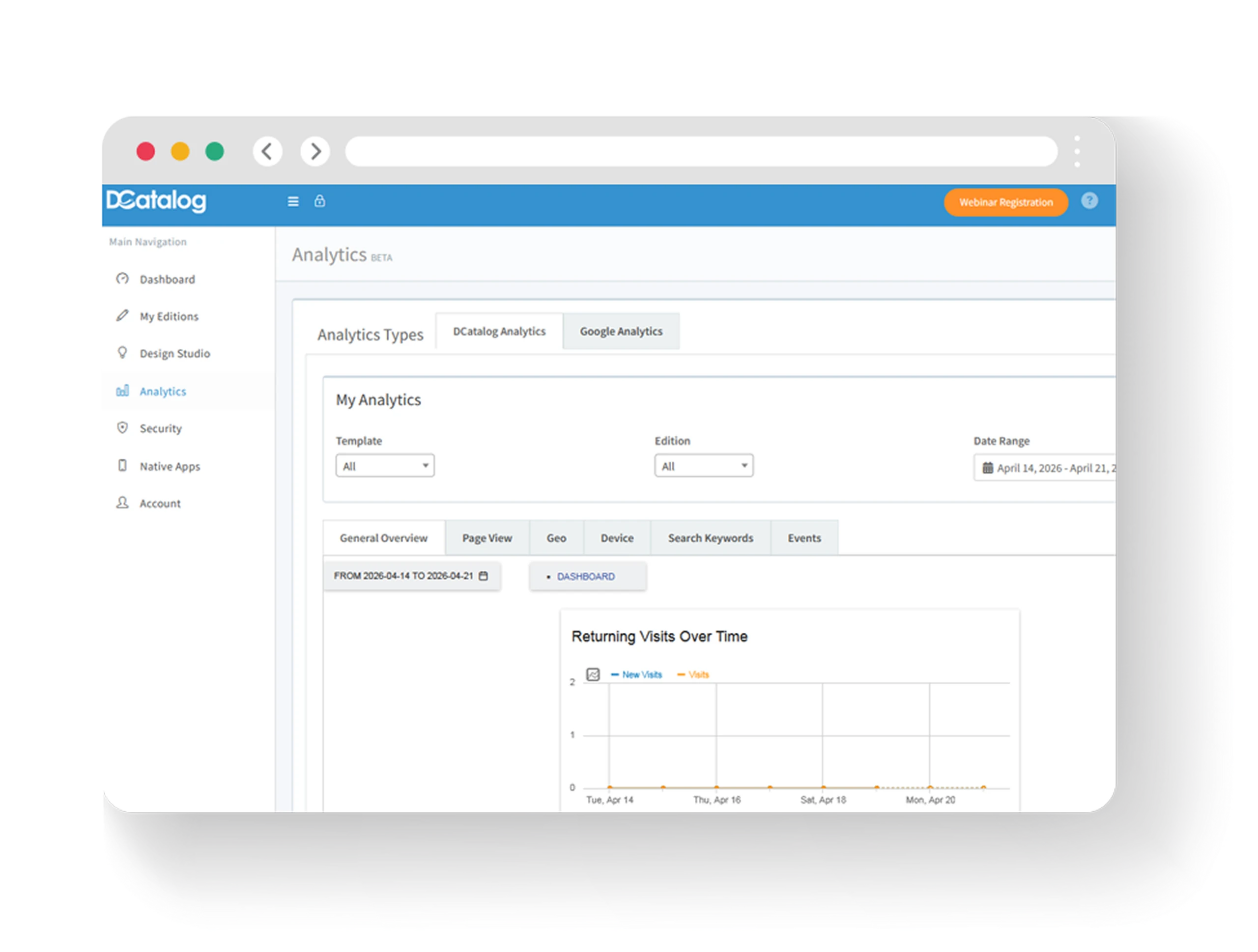
Understand what products are viewed, shared, and driving conversions.
DCatalog integrates with your existing systems, including PIM, ERP, ecommerce platforms, and custom data sources, so your catalogs stay accurate, connected, and automatically generated from live data.
Yes. DCatalog pulls structured product data from your PIM or product database, including SKUs, descriptions, specs, images and categories, and applies your templates to build every page. When the PIM changes, the catalog updates on the next sync.

Yes. Connect your ERP so prices, availability and customer-specific pricing stay accurate in every catalog version. Orders and quote requests placed in the catalog can be passed back to your ERP or order system.

DCatalog connects to Shopify, Magento, WooCommerce and more, so your catalogs match your online store and buyers can add products to a cart.

Yes. Connect through the DCatalog API, XML or CSV feeds, Google Sheets, scheduled SFTP data feeds, webhooks, or Zapier, which links thousands of other apps. See how to create a catalog from Excel, Shopify or any product feed.
No manual imports. No disconnected content. Everything stays in sync.
Your catalogs are generated from your systems, ensuring every product, price, and detail reflects your latest data without manual updates, rework, or version-control issues.
Connect the systems that already hold your product data, and DCatalog keeps every catalog current without manual layout work.
New to this? Read the step-by-step guide: How to Create a Product Catalog From Excel, Shopify or Any Product Feed.
DCatalog transforms product data into fully designed, up-to-date catalogs automatically. No manual design, no repetitive updates, no outdated catalog content.
STEP 1
Connect Your Data
Import product data from XML, CSV, PIM, ERP, eCommerce platforms, or APIs.

STEP 2
Apply Your Templates
Use branded catalog templates to define layout, structure, and design once.
STEP 3
Automatically Generate Catalogs
Your data flows into templates to create fully designed catalogs instantly.

STEP 4
Publish, Share & Drive Action
Distribute catalogs across channels and enable real engagement.
Start generating fully designed, always up-to-date catalogs directly from your product data with DCatalog’s catalog automation software.
Join manufacturers, distributors, and enterprise teams using DCatalog to scale catalog production, automate updates, reduce manual work, and turn catalogs into revenue-driving tools.